SAMPLER
MIDI to current slot
ON: All MIDI IN messages are redirected to current slot
OFF: MIDI IN respects slot's channel
e.g. no need to change your master keyboard
output channel to play a different slot
Menu
Initialize preset
Copy/Paste slot (e.g. paste into another instance)
Midi Learn
Export/Import presets to file system
Settings
About page
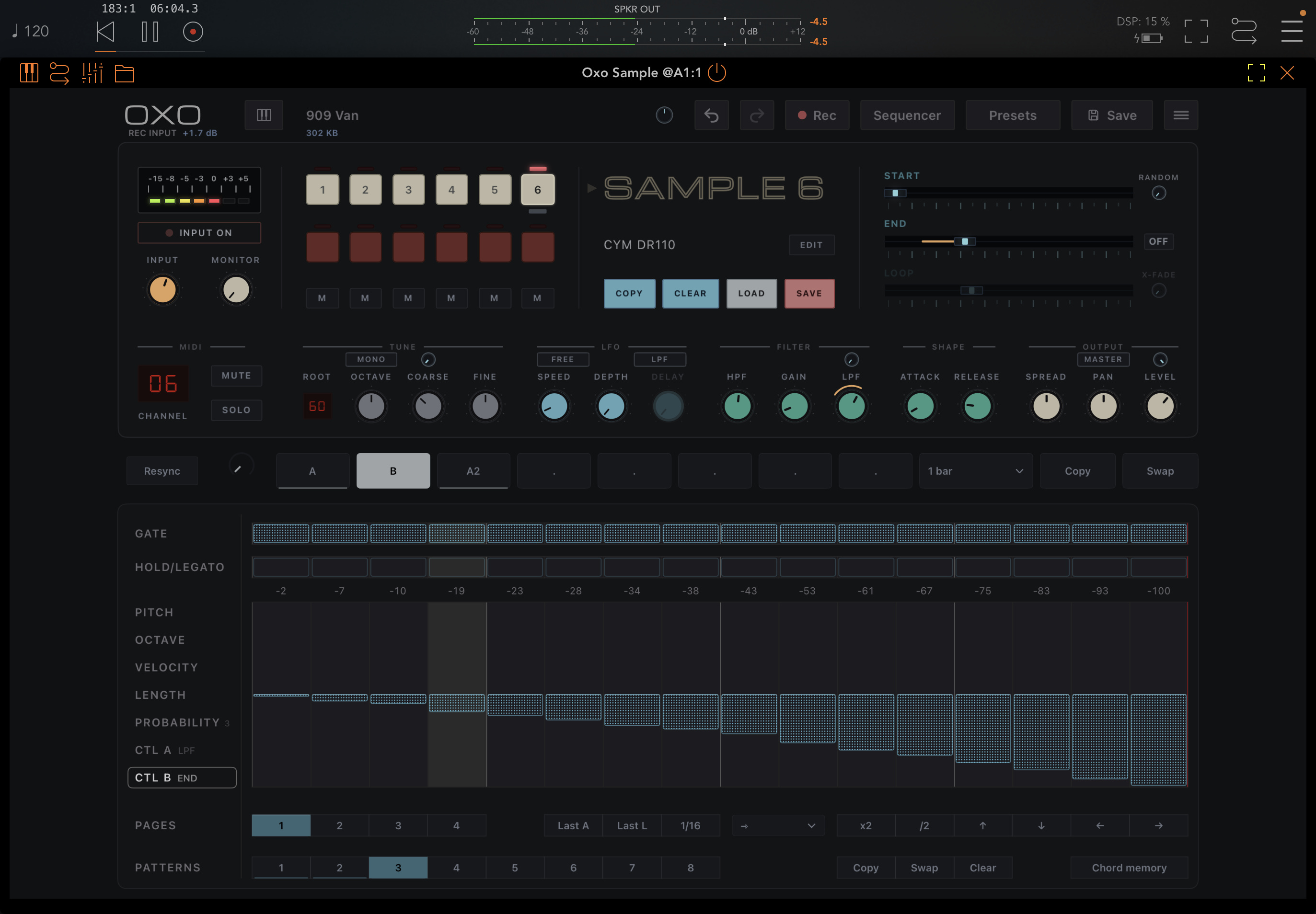
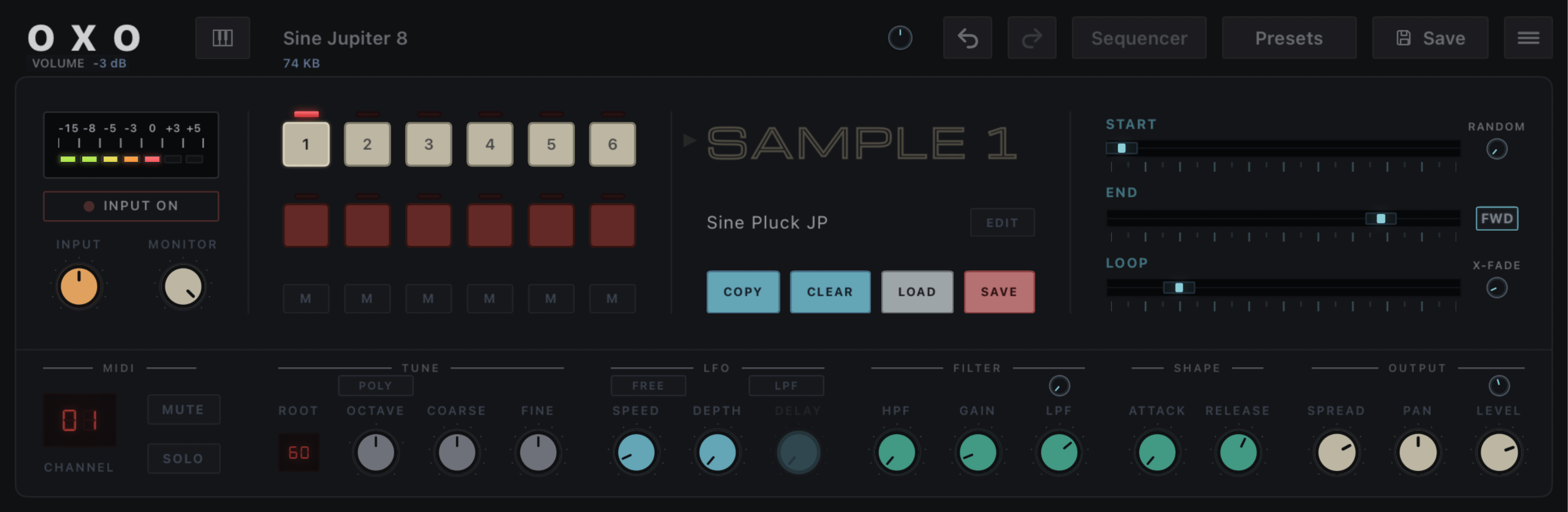
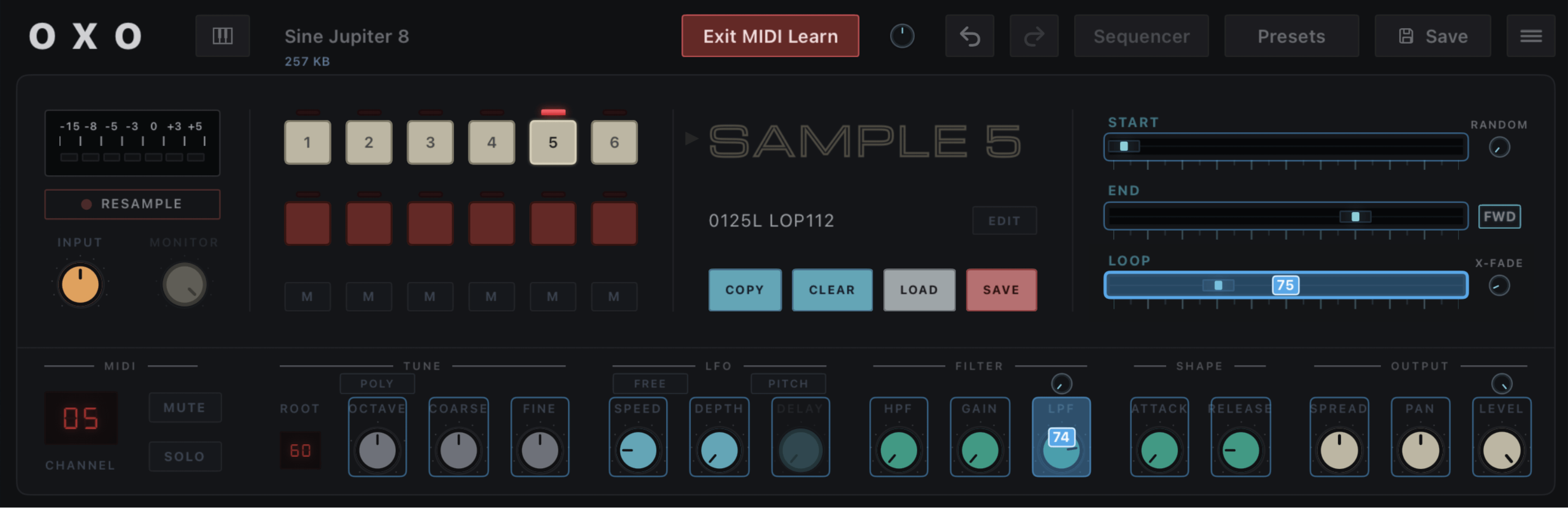
SAMPLE
Click on "SAMPLE 1" to audition the slot
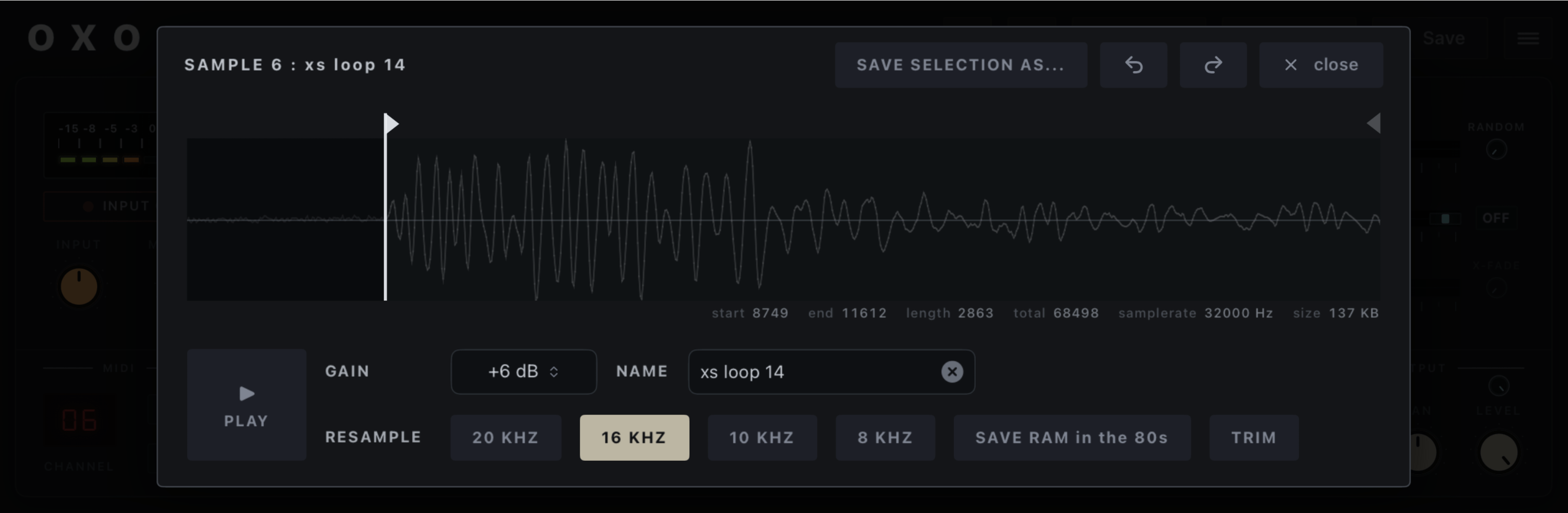
Sample name : click to edit the sample
COPY Slot: click then choose a target
CLEAR Slot : initialize selected slot
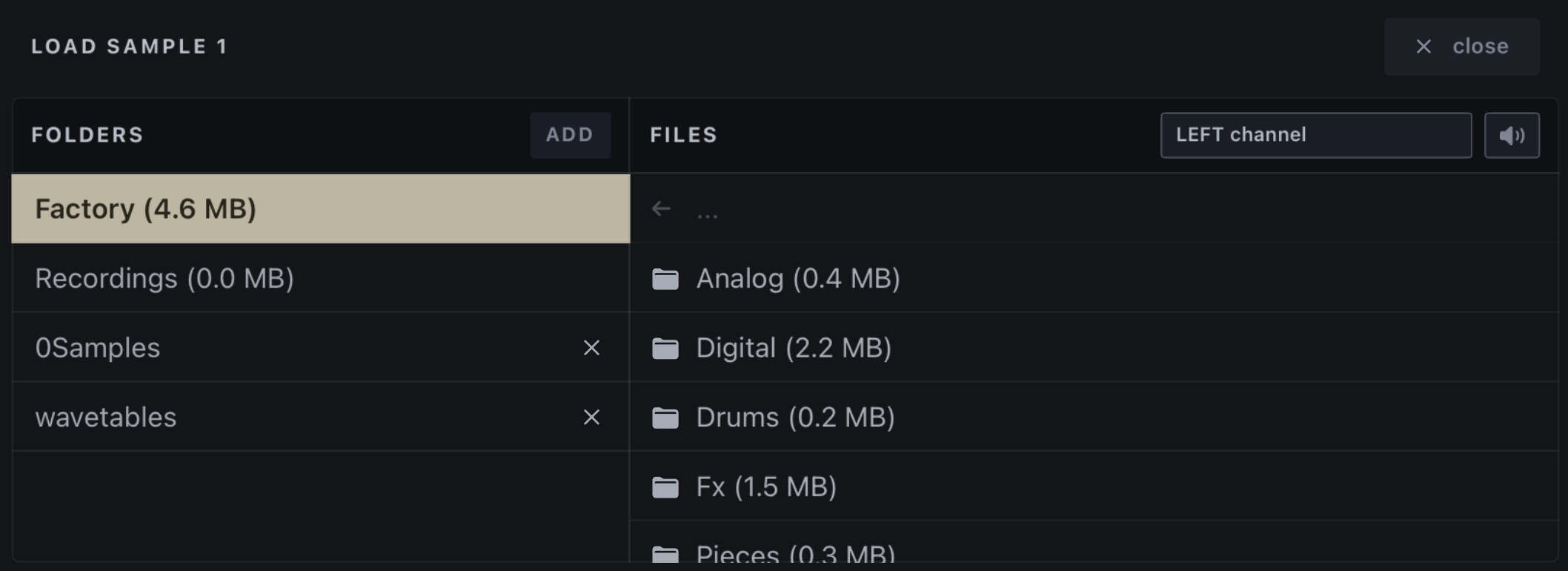
LOAD a sample: opens the load dialog
SAVE a sample: to file system
Slots
White button : select slot
Red button: record (press and hold)
Mute slot
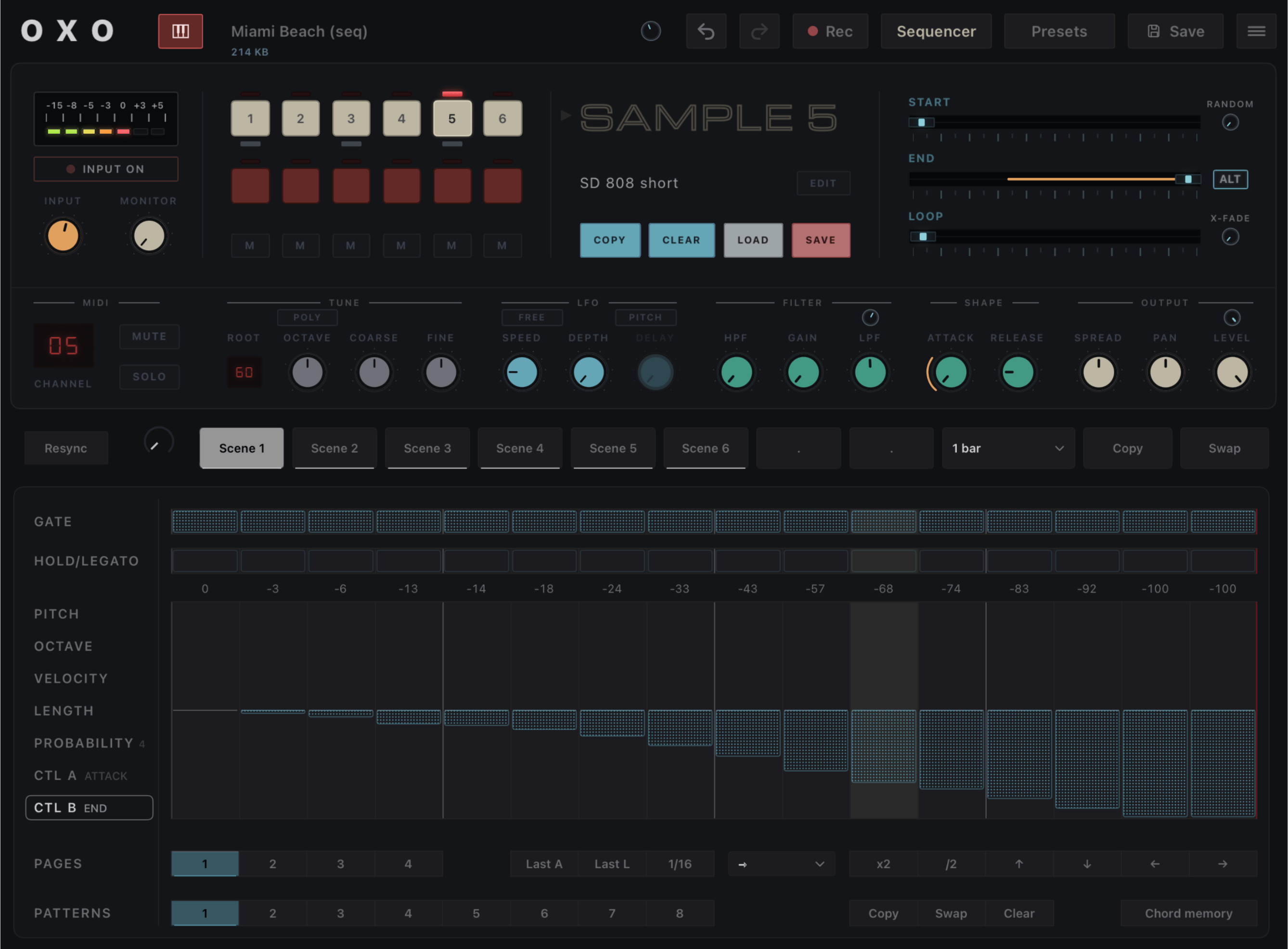
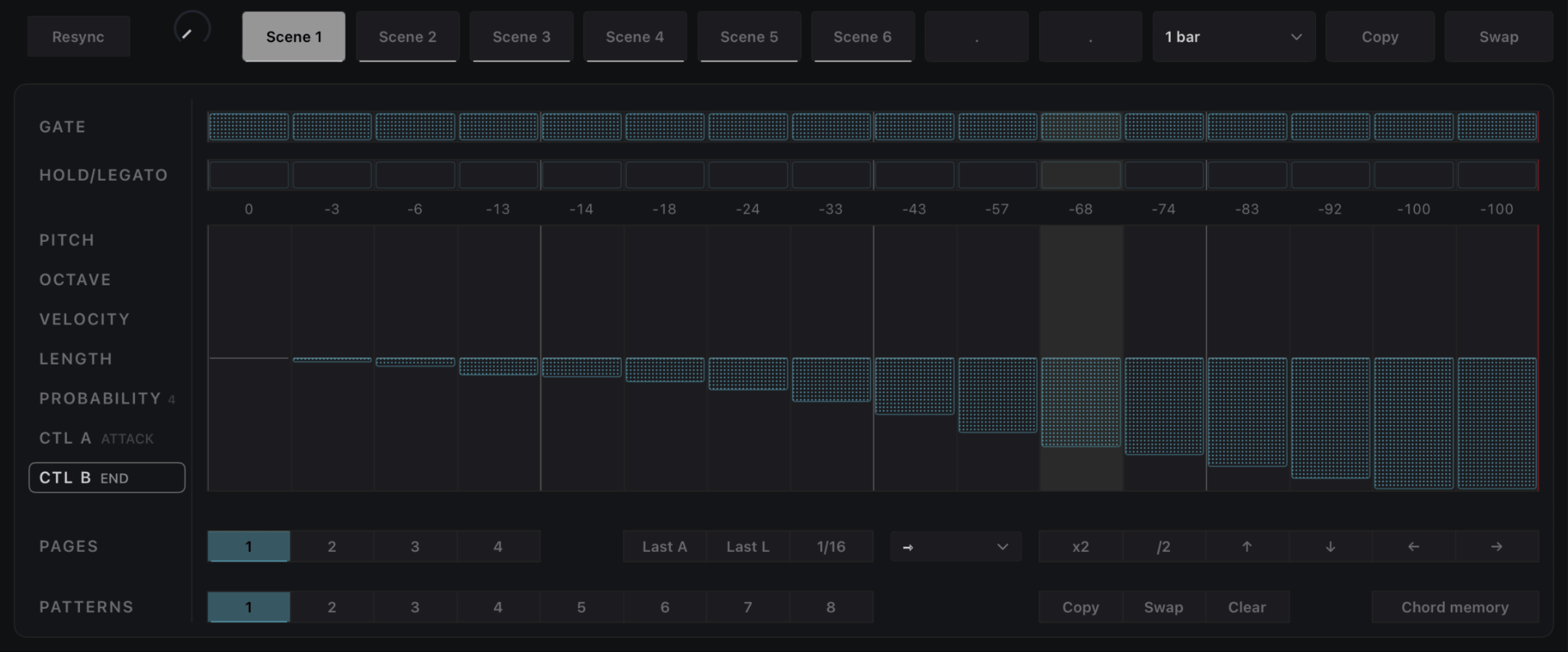
SEQUENCER
Enable/Disable the sequencer
Parameter info
Shows the name/value of last moved control
Useful when you're not sure what a knob does
Save
Current preset
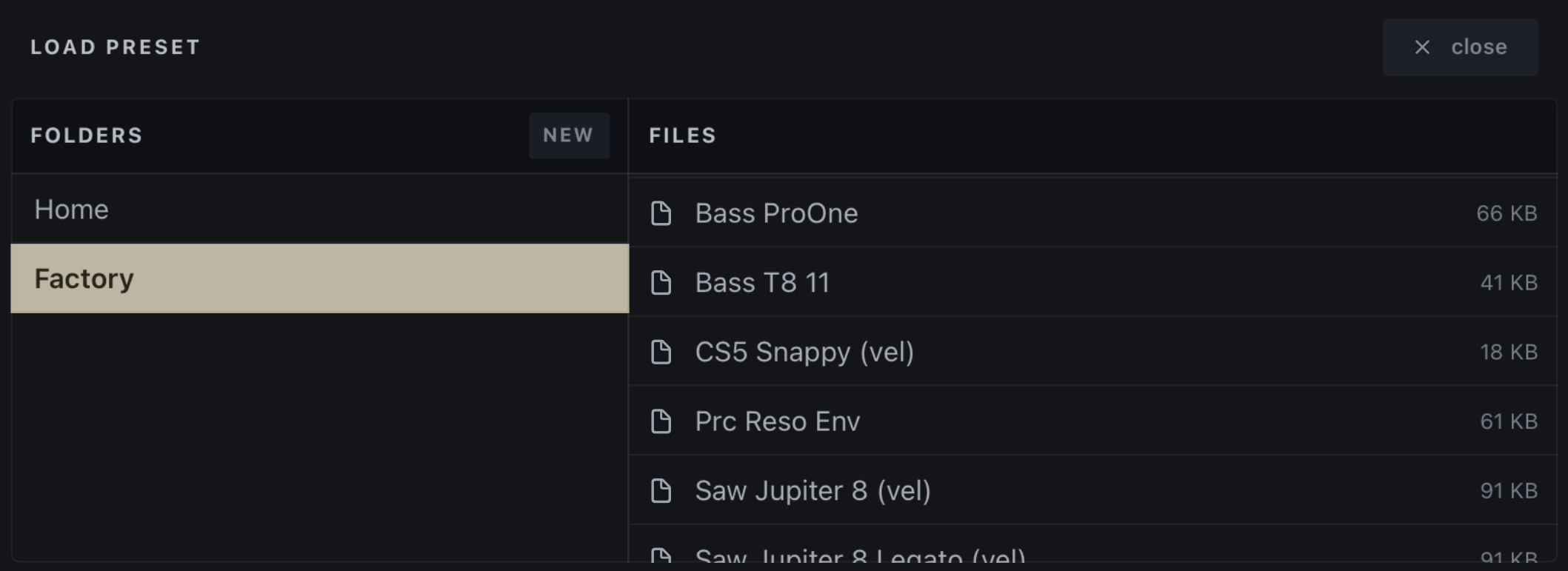
Presets
List
Load
Delete
Preset name (and size)
Click to load a preset
Main volume
Undo/Redo
Record level
Adjusted using the INPUT knob
SAMPLE Playback Points
START/END/LOOP: These points are relative to
the sample's current TRIM selection
(see Sample Edit Dialog).
RANDOM knob: Randomizes the START point
(between START and END).
LOOP MODE:
OFF: No loop.
FWD: Jumps to LOOP when END is reached.
ALT: Plays back to LOOP when END is reached.
X-FADE knob: Creates a fade in/out at loop
points to avoid clicks.
INPUT Toggle
INPUT OFF : disable input
INPUT ON : sample from plugin input
RESAMPLE : sample plugin own output
Note: AUv3 instruments don't have
audio input, use the effect version instead.
Click here to audition the slot
INPUT Level
Try to avoid red in the record level
Monitor Level
Listen what comes in the INPUT
2 Velocity knobs
Volume : Higher MIDI velocity = higher volume
LPF : Higher MIDI velocity = higher LPF
Selected slot settings
MIDI Channel
Mute/Solo
MONO/POLY Toggle
When MONO, a PORTAMENTO
knob appears on its right (play
legato to hear the glide)
TUNE section
Root key: the key playing the
sample's original speed
Octave -2 to +2 octave
Coarse -12 to +12 semitones
Fine -50 to +50 cents
LFO section (LFO is a Sine wave)
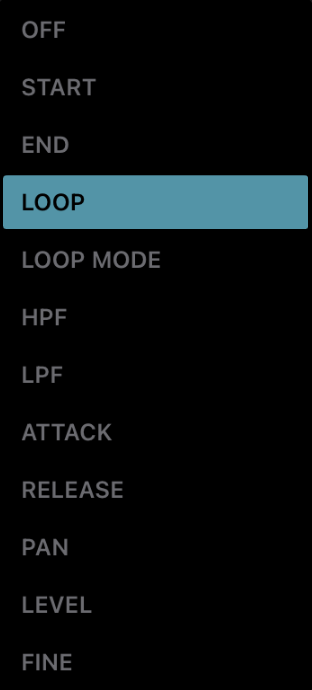
Target: Pitch, LPF or LOOP
Mode: FREE or RETRIG
FREE: one LFO per slot
RETRIG: restart phase on each key
DELAY: Ramp up LFO depth (per voice)
Note: LOOP target is only available in
FREE mode. DELAY is only available
in RETRIG mode.
Filter section
HPF: 24 dB/oct High-Pass Filter
GAIN: Adjust Gain entering LPF
LPF: 36 dB/oct Low-Pass Filter
Envelope section
Attack: Ramp up volume
when key is pressed
Release: Ramp down volume
after key is released
Output section
SPREAD: Alternates voice stereo field
PAN/LEVEL
Note: SPREAD is bipolar: -50 = L to R, +50 = R to L
Double-click on knobs to reset value
 Oxo Sample