SEQUENCER
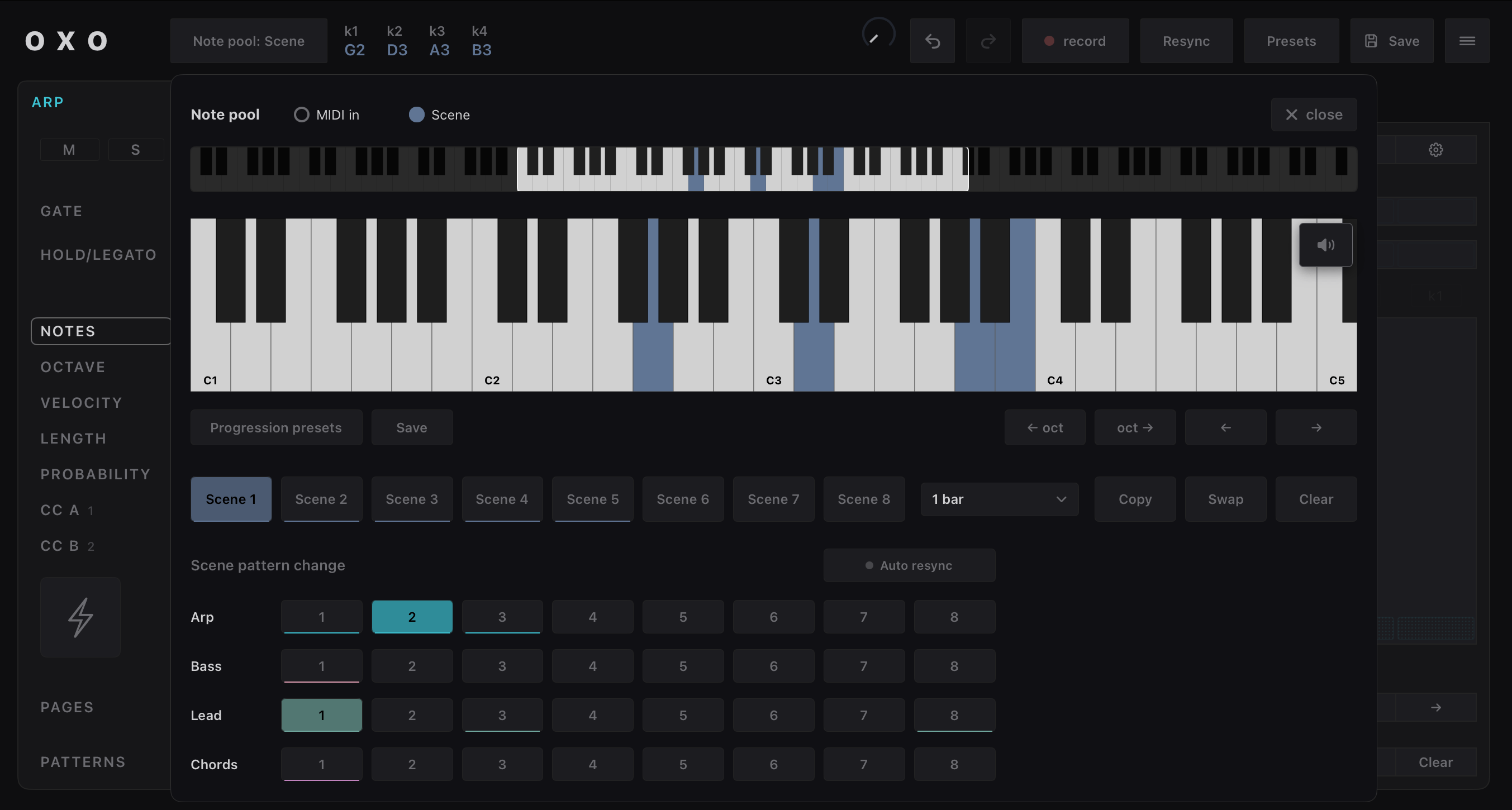
Note Pool
Opens the "Note pool" dialog
To select MIDI in or Scene (Chords)
Current pool of notes (aka "current chord")
Each key is given a number : k1, k2, k3, k4
Record as Midi File
Start recording : changes scenes, etc.
Stop recording, choose where to save
the midi file
Presets
List
Open
Delete
Menu
Initialize preset
Copy/Paste pattern
Export / Import presets (share or backup)
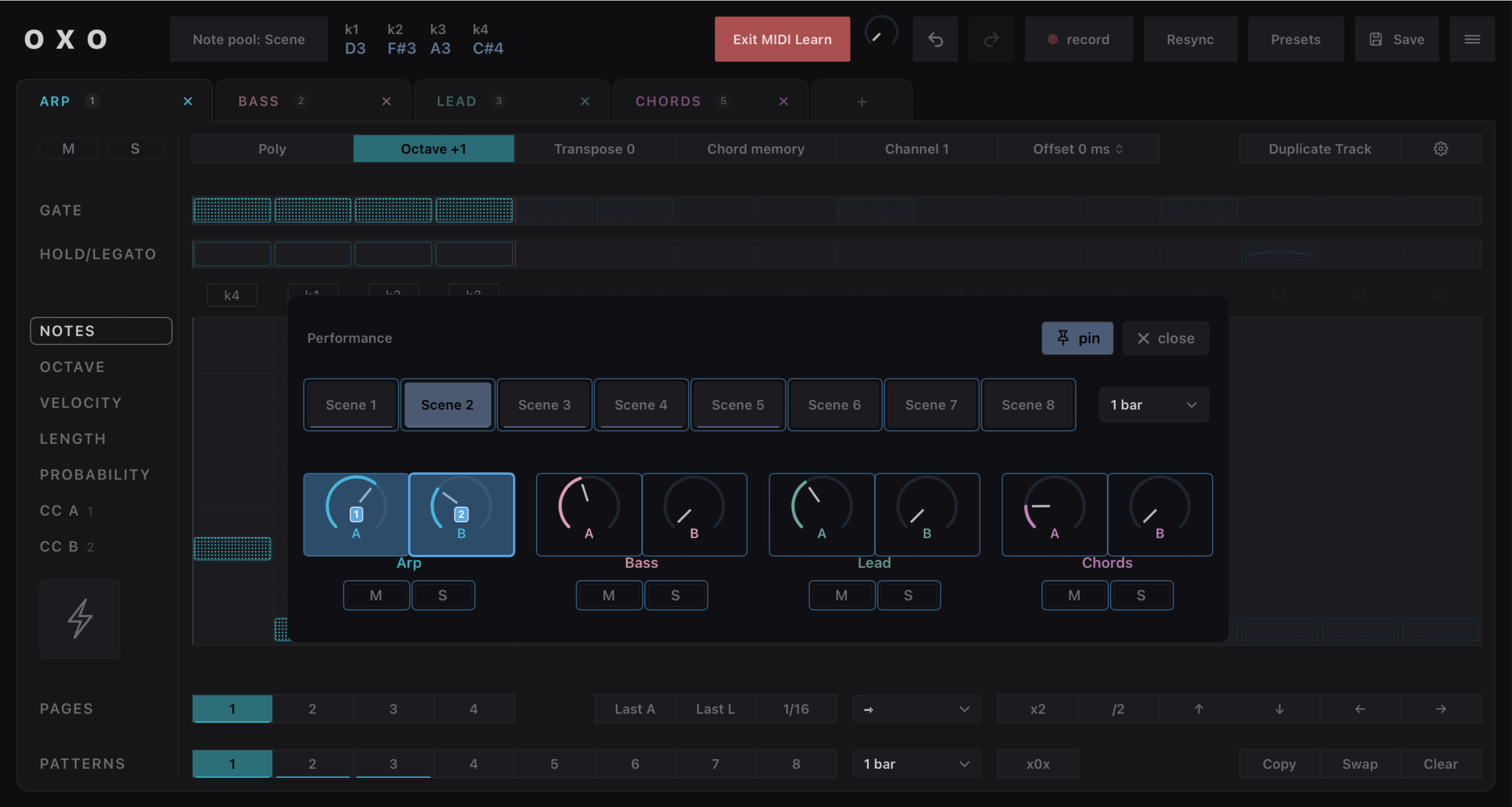
MIDI Learn
Settings / Help / About
Resync
On next bar, all patterns
will resync to step1
Tracks
Add up to 6 tracks
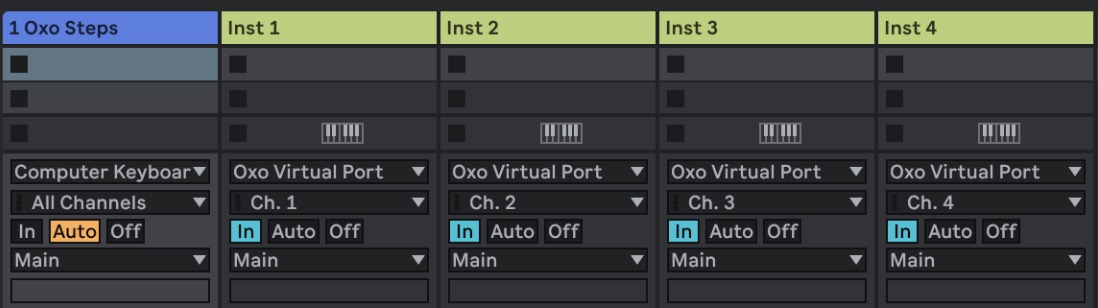
Each track sends on
its own midi channel
Save
current preset
Swing
MPC inspired
MIDI Channel
Undo/Redo
Duplicate Track
Create a new track by copying this one
Track settings
Mute / Solo
Mono / Poly sequences
Track Octave / Transpose
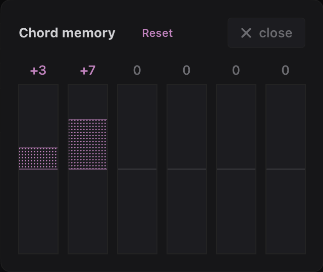
Track Chord memory (aka instant techno)
Output MIDI Channel
Midi output offset in ms (e.g. sync external synth)
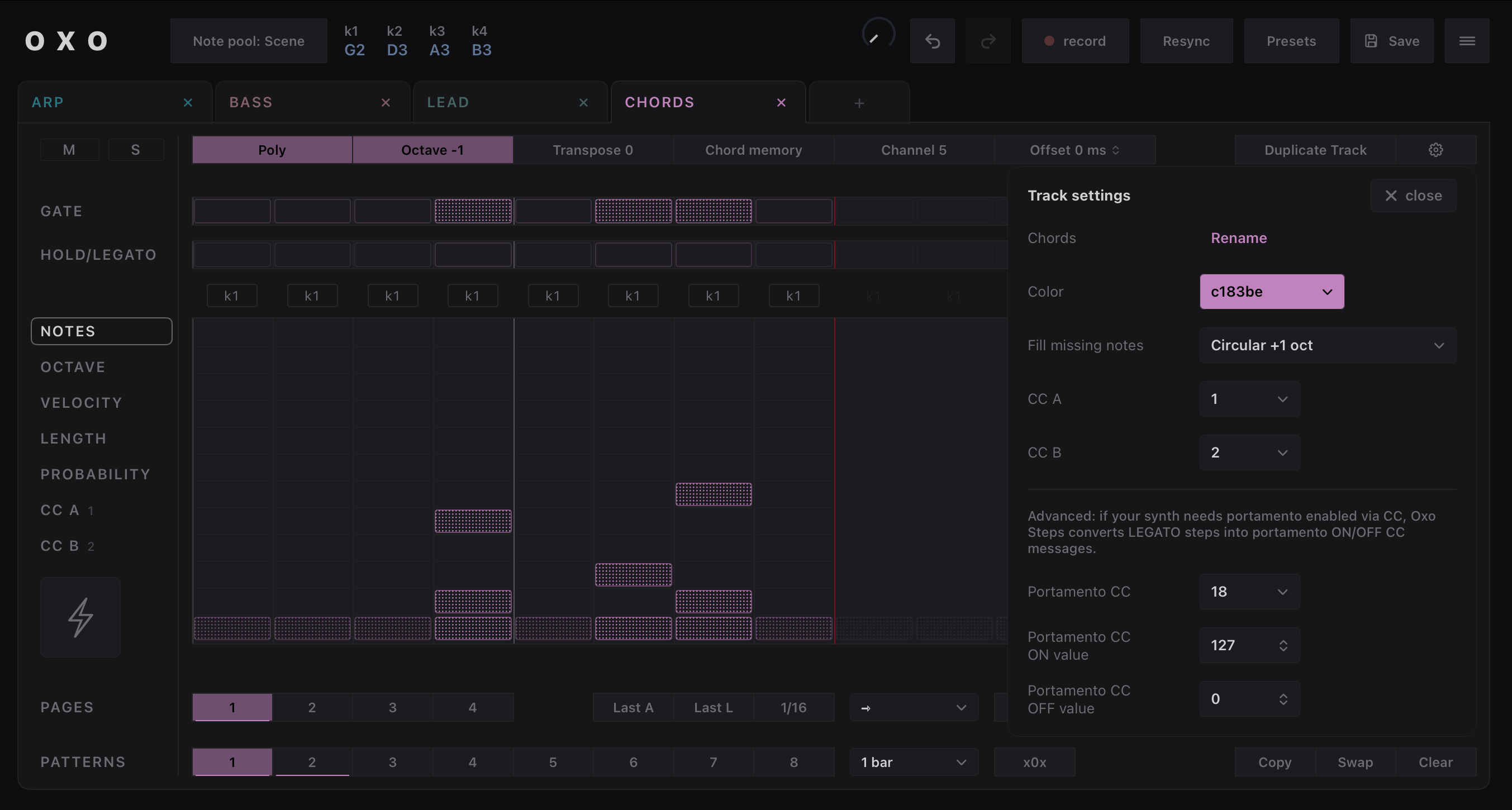
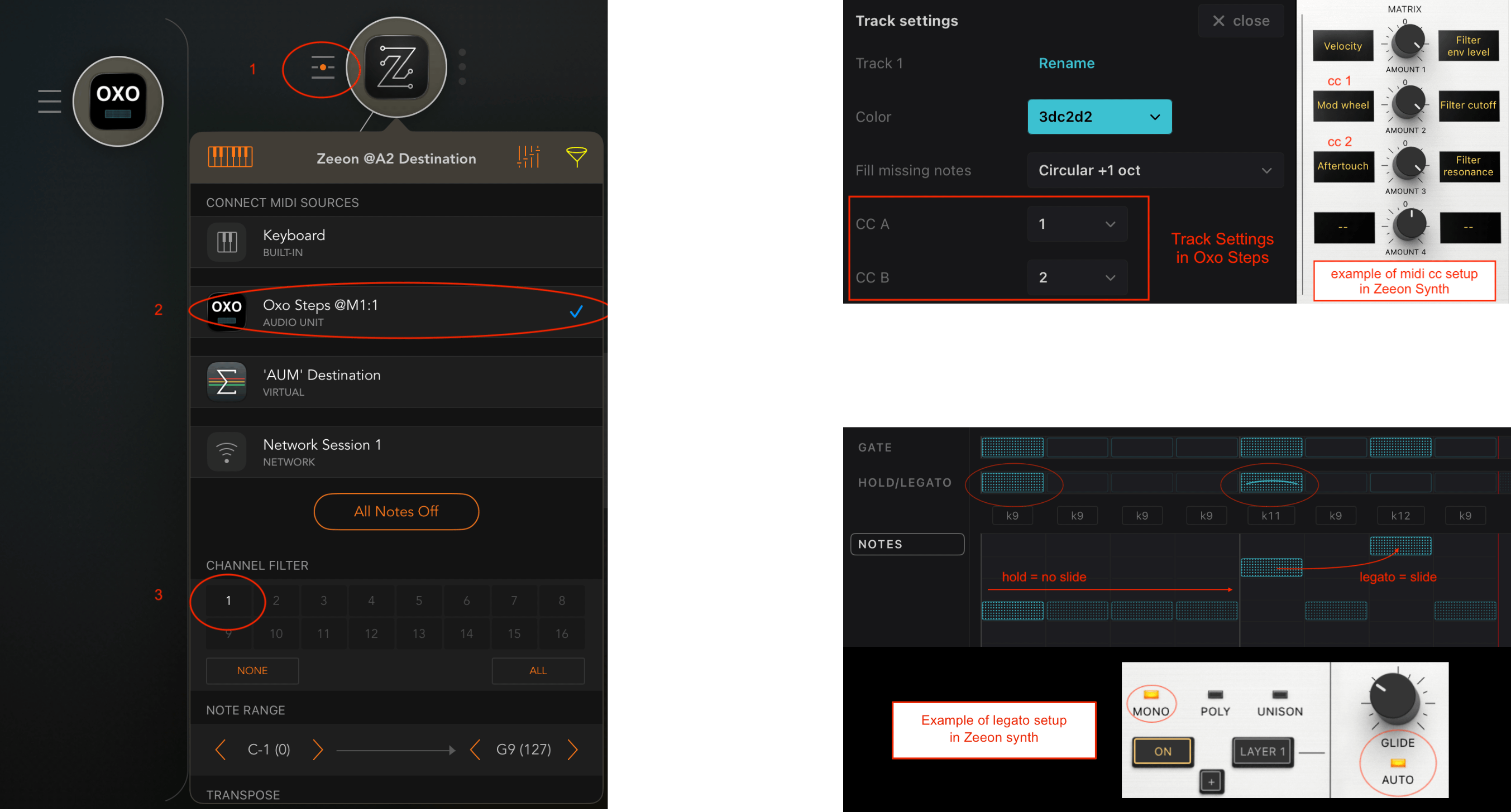
Track settings dialog
Open the track settings dialog
(name, color, CC A and CC B)
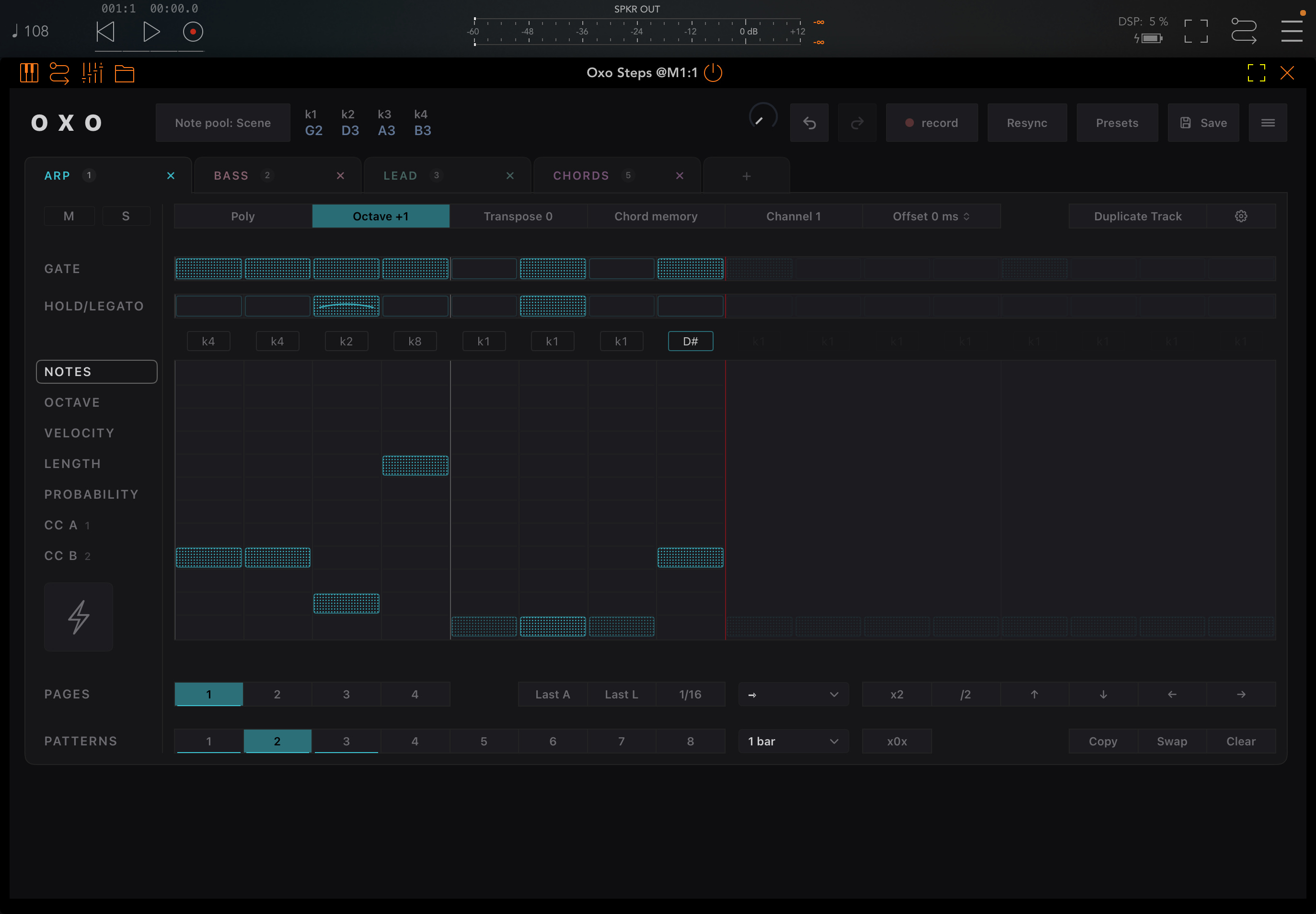
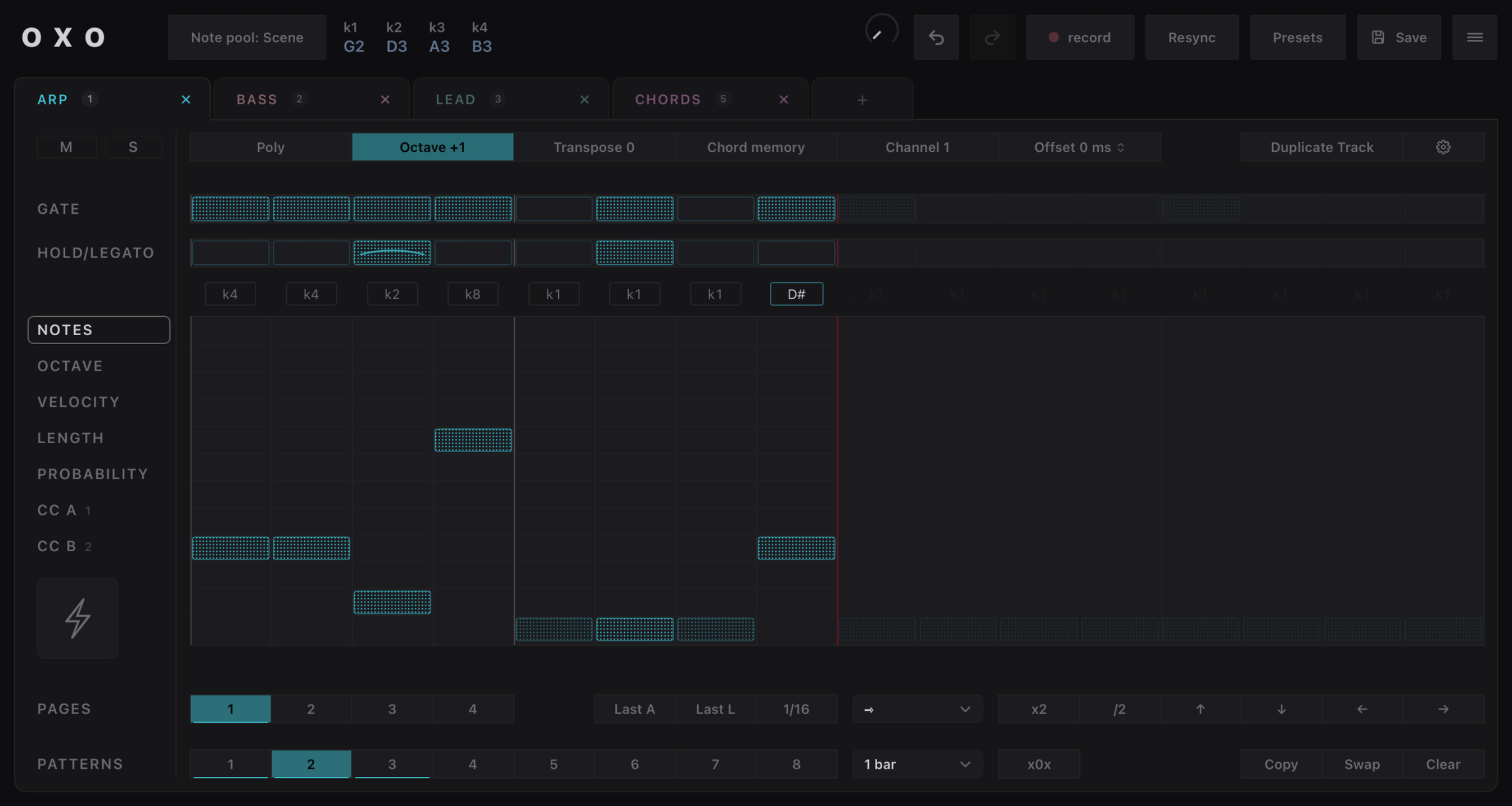
Sequencer lanes:
GATE : ON will play this step
HOLD/LEGATO: step will hold (or play legato)
NOTES: which note will play (k1, k2, C, C#, etc.)
OCTAVE: the step octave (from -2 to +2)
LENGTH: step length in % of the step resolution
PROBABILITY: 1/1 (always), 1/2 (first bar of 2), etc.
CC A: sequence midi CC A (defined in track settings)
CC B: sequence midi CC B (defined in track settings)
Use note from the pool or fixed note
Click to toggle between :
- note from the pool (k1, k2, etc.)
- fixed note (C, C#, etc.)
Step duration
Speed at which each step advances
(1/16, 1/8, 1/4, 1/2, 1/1, 1/16D, 1/8D, etc.)
Last A / Last L
Sets the pattern length (number of steps)
Last A = Select last step for all lanes
Last L = Select last step for one lane only
Pattern direction
forward, backward, etc.
(smart random = don't reuse steps before exhausting all)
Pattern length shortcuts
Double the size (duplicating events)
Divide / 2
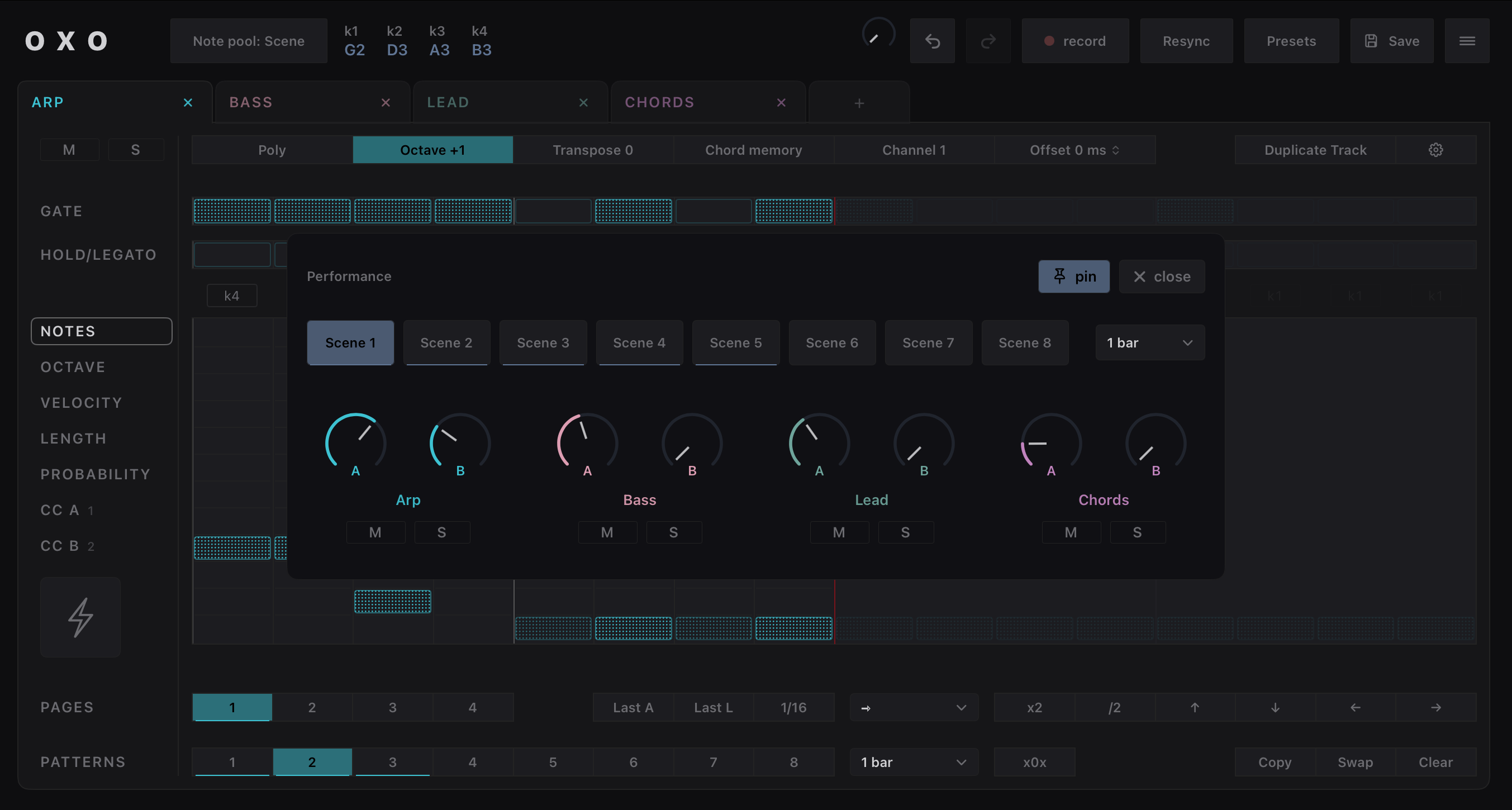
Performance button
Opens the performance dialog
Step editing shortcuts
Move all notes up / down
Rotate all steps left / right
Pattern pages
A pattern can have 64 steps (4 pages of 16)
Clear current pattern
Patterns
Each track can have 8 patterns
Pattern launch resolution
Wait this resolution before changing pattern
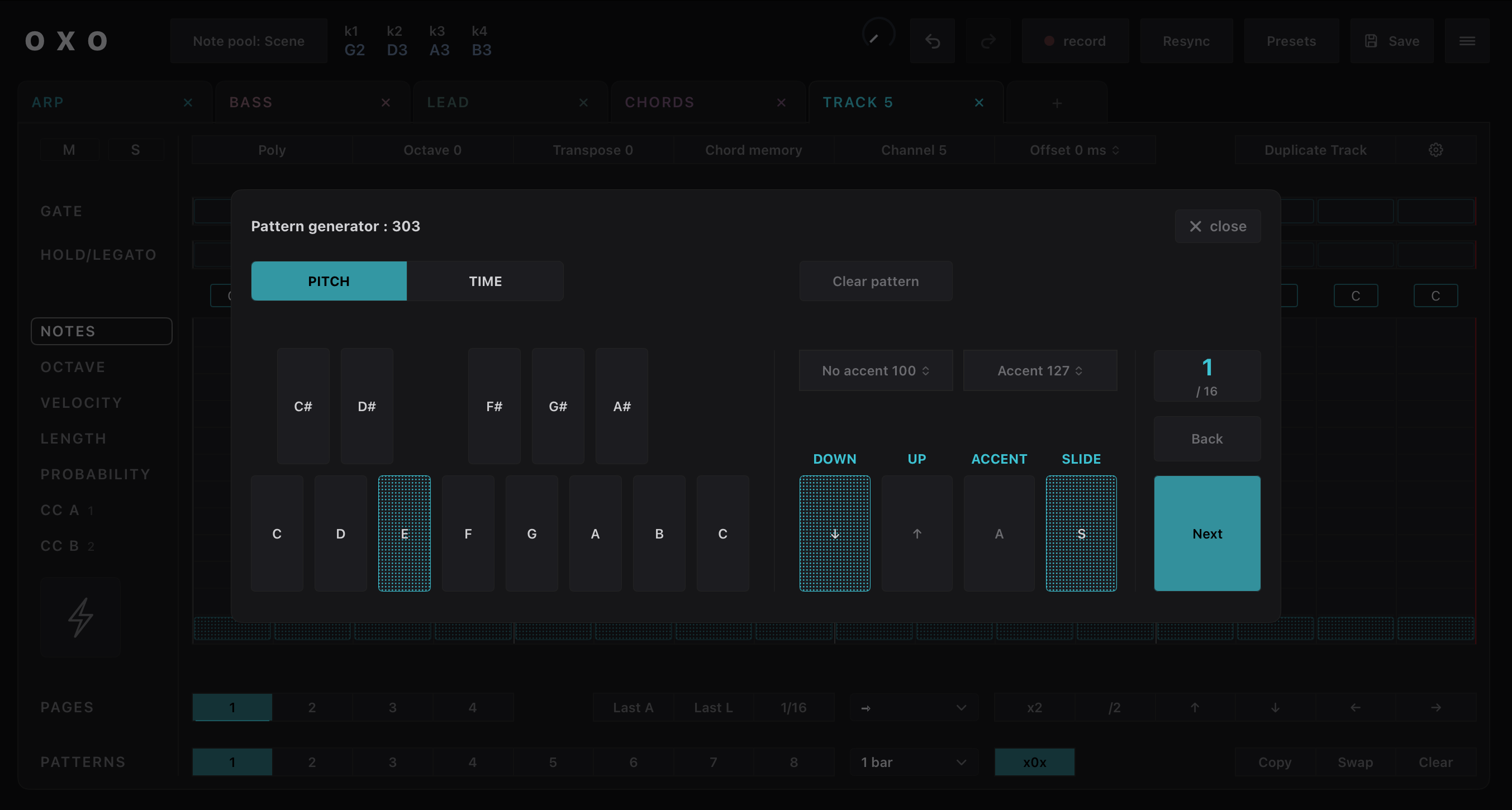
x0x button
Opens the pattern generator dialog
to generate patterns in creative ways
Copy/Swap pattern
Click and select a target pattern
 Oxo Steps